Showing posts with label clear. Show all posts
Showing posts with label clear. Show all posts
Saturday, December 31, 2016
How To Clear Voicemail Notification Icon in Android
How To Clear Voicemail Notification Icon in Android
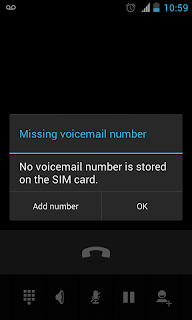
In some android devices Voicemail notification icon remains and we cant clear it by clicking on the notification or by the clear button. It may be because of the network provider issue or the Android ( I dont know the actual reason ).
If you are facing the issue with voice mail notification and want to get rid off it,then here are the steps to clear Voicemail notification icon from the Android notification bar.
Method 1
1. Long Click on the New voicemail notification in the notification bar.
2. Now it will drop a App info menu...Click on it.
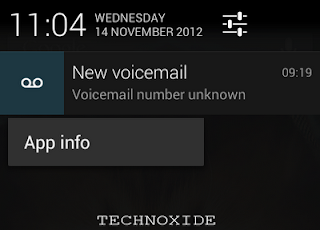
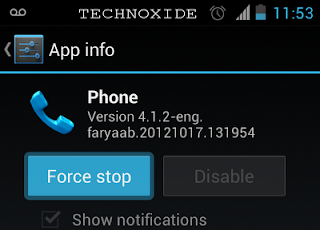
3. It will navigate to Phone app info page.
4. Click Force stop.
Method 2
1. Go to Settings -> Apps -> ALL -> Phone.
2. Click Force stop.
Thats it ...Done...Now it will clear the voicemail notification icon from clear bar.
I am tested it with Android 4.0.4 and 4.1.2 and worked successfully. Please check in your phone and do reply to help others.
Available link for download

Monday, December 26, 2016
How To Clear Default Application in Android
How To Clear Default Application in Android
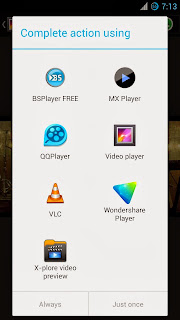
If you made a wrong choice or you wish to clear the app just follow the steps.
How To Clear Default Application in Android ?
1. Go to Settings -> Apps
In some android versions go to Settings -> Applications -> Manage Applications to get the apps list.
2. Find the app you want to reset and select it.
3. Finally tap Clear defaults button.
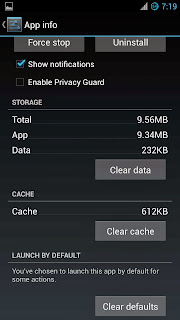
Thats it....
Available link for download
Thursday, October 20, 2016
How to Clear Browsing History and auto saved Password from Android
How to Clear Browsing History and auto saved Password from Android
How to Clear Browsing History and auto saved Password from the Browser of Android Smartphones and Tablets.
Step by Step Tutorial with Screen Shots.
Many Android user do not know how to clear the browsing history and auto saved password from Android smartphones and tablets. Sometimes Browsing history contains on your private material ,and auto saved passwords re open your email or other personal web side which nobody wants to show up others or always try to hide from others. The other android user easily view what you were doing on internet from the history of your browser. So better to remove the history of browser to protect your personal data . There are few simple tips to clear browsing data and saved password from Android smartphones and tablets.


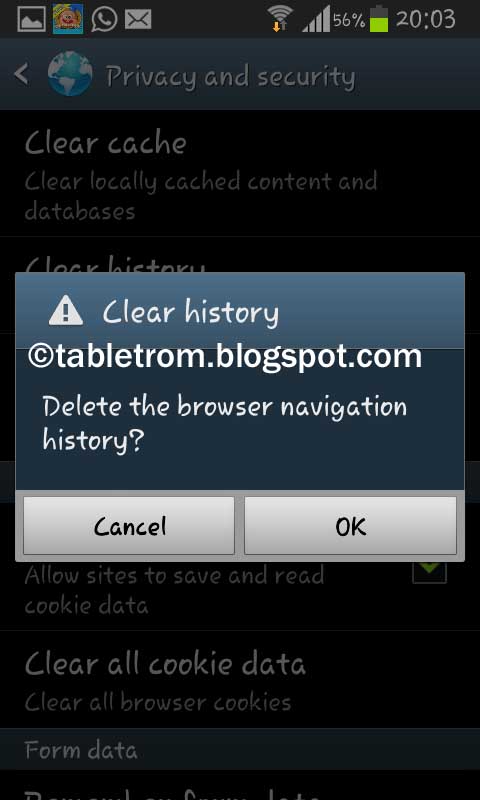
Click OK to delete the browser navigation history.

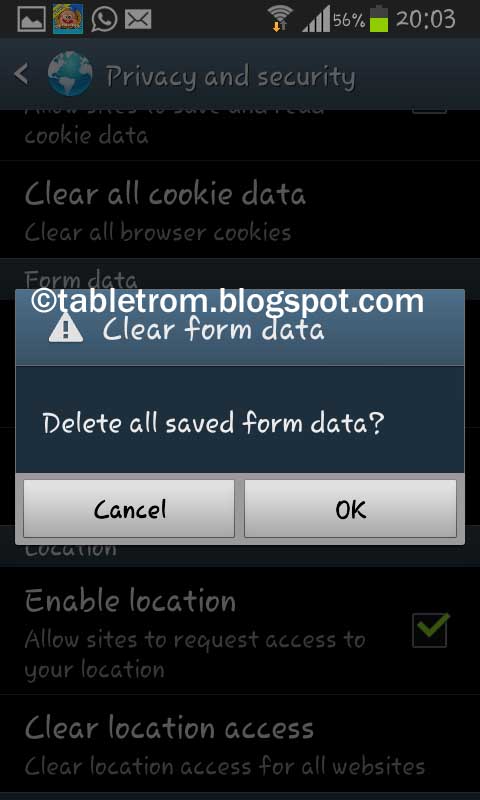
Delete all saved from data. (This will delete all your auto saved password as well ).
Open browser from Android smartphone or tablet.
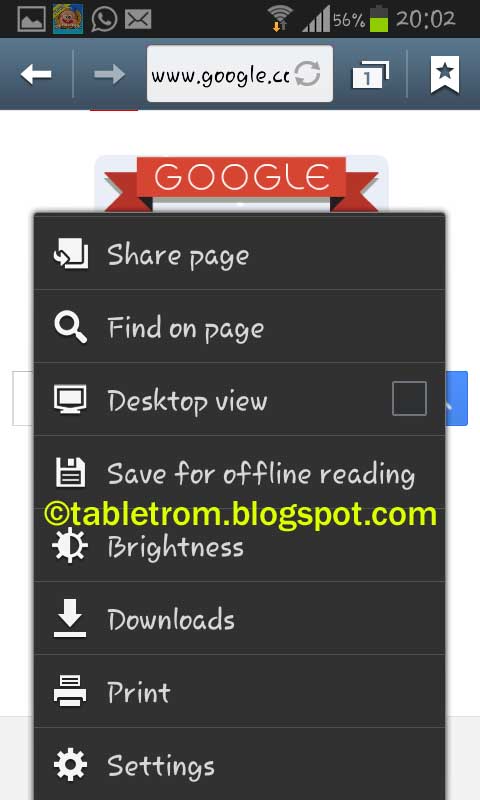
2. Click on Menu to open option tab and select Setting.
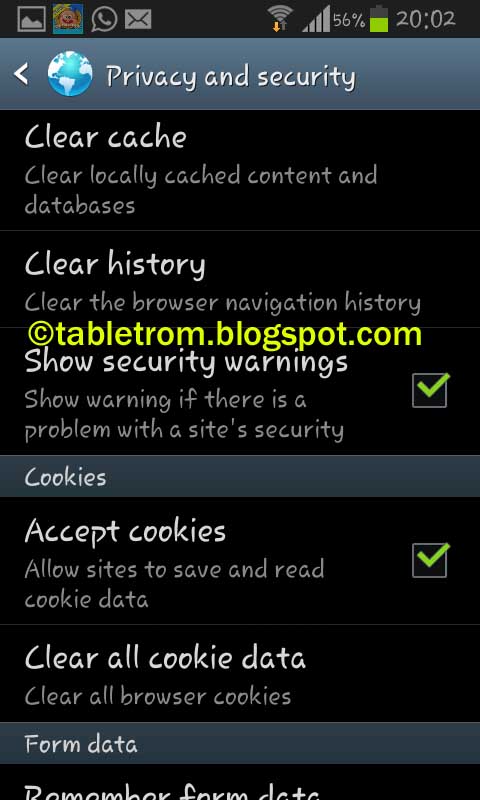
Select Privacy and Security.
Click on Clear History .
Click OK to delete the browser navigation history.
Delete Cache by clicking on Clear Cache .
Delete all saved from data. (This will delete all your auto saved password as well ).
Note :- This tutorial and snapshot was taken on Jelly Bean 4.1.2 . On other versions of Android might be some options are different but the procedure is same.
Available link for download
Subscribe to:
Posts (Atom)