Showing posts with label m8. Show all posts
Showing posts with label m8. Show all posts
Tuesday, January 31, 2017
How to Set Password on HTC One M8
How to Set Password on HTC One M8
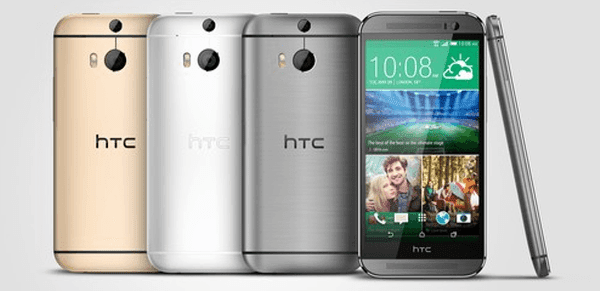
The method to set a password in HTC One M8 phoneis further illustrated by the following steps.
Step 1: Open Settings.
More specifically speaking, slide your finger down the top side of the phone screen, click the top-right icon and select Settings.
Step 2: Locate and click Security.
Step 3: Choose Screen lock.
Step 4: Select Password from the list to go on.
Step 5: Input a password made up of at least 4 characters and press CONTINUE when finished.
Step 6: Re-input the password and click OK.
Related Articles:
- Android USB Drivers for HTC
- How to Get Back Deleted Text Messages on HTC Desire Phone
Available link for download

Subscribe to:
Posts (Atom)